Delegating Conditional Forwarders in Windows Server AD
To delegate the ability to create and manage Conditional Forwarders in Windows Server Active Directory with Least Privilege, avoid adding users to highly privileged groups like DNSAdmins or Domain Admins.
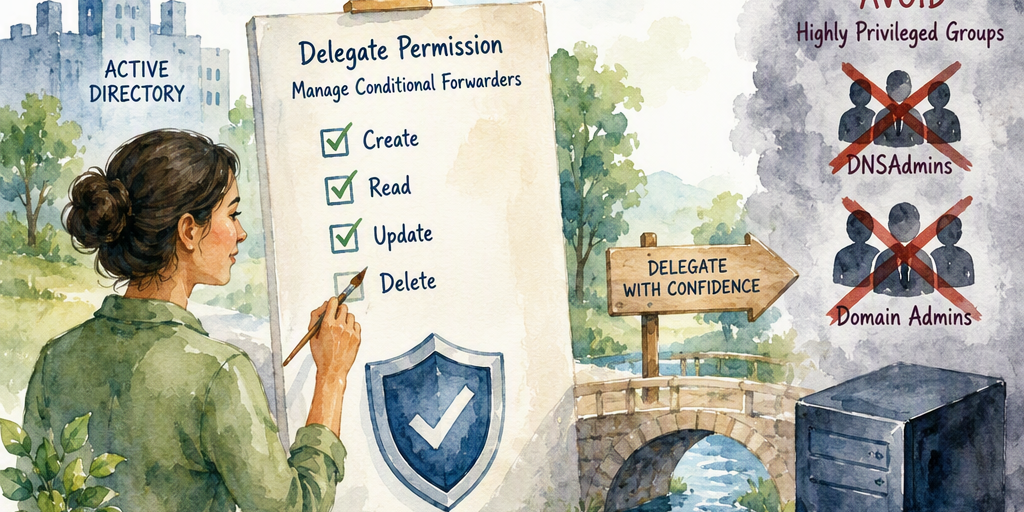
Delegating Conditional Forwarders in Windows Server AD
Conditional forwarders can be stored in Active Directory or locally on an individual DNS server. Delegation should match the storage model and the required administrative tasks. Avoid adding operators or automation identities to broad groups such as DNSAdmins or Domain Admins when a narrower delegation model is sufficient.
Warning: Test all ACL changes in a nonproduction domain or on a representative test DNS server before applying them to production. An incorrect ACE on the MicrosoftDNS container can affect multiple DNS zones and may be difficult to troubleshoot.
Prerequisites
- Identify whether the conditional forwarder is AD-integrated or stored locally on each DNS server.
- Identify the replication scope and directory partition used by the forwarder.
- Use a dedicated security group, such as DNS-Forwarder-Managers, rather than assigning permissions directly to individual users.
- Use an account with sufficient rights to read and modify the relevant AD ACL or DNS server security configuration.
- Install the DNS Server management tools, including the DnsServer PowerShell module, on the administration or automation host.
- Record the existing ACL or server security configuration before making changes.
AD-Integrated Conditional Forwarders
AD-integrated conditional forwarders are represented by DNS objects in an Active Directory DNS application partition. The relevant container is normally CN=MicrosoftDNS in either the domain DNS or forest DNS partition.
Identify the Storage Partition
The common distinguished names are:
- Domain DNS partition: CN=MicrosoftDNS,DC=DomainDnsZones,DC=example,DC=com
- Forest DNS partition: CN=MicrosoftDNS,DC=ForestDnsZones,DC=example,DC=com
Use the actual domain name and confirm the partition selected by the forwarder's replication scope. A forwarder created with a domain replication scope is not necessarily stored in the same partition as one created with a forest replication scope.
Scope the AD Permissions by Operation
AD container delegation must distinguish between creating child objects and managing an existing conditional-forwarder object. Granting generic Write permission on CN=MicrosoftDNS and all descendants is not a narrowly scoped delegation. It can allow changes to other DNS objects and attributes in that subtree.
A safer design separates the required operations:
- Create: Grant the group the specific Create Child permission for the DNS zone object class on the CN=MicrosoftDNS container. Scope this ACE to the container itself rather than automatically applying it to every descendant.
- Read: Grant only the read access needed to discover the relevant container and DNS objects. Read access may need to apply to descendants for management tools to enumerate existing forwarders.
- Modify: Grant Write Property only on the target DNS zone objects and only for the attributes required by the approved management process. Do not use unrestricted Write access on the container or all descendants unless the broader impact is intentional and documented.
- Delete: If deletion is required, grant the specific Delete Child permission for the DNS zone object class on the parent container. Treat deletion as a separate administrative capability.
The exact property set can vary with the Windows Server version, DNS management interface, and operation being automated. Use a test forwarder to determine the minimum successful permission set, review the resulting access token and audit events, and have the ACL reviewed before production deployment.
Configure the ACL with ADSI Edit
- Back up or record the current security descriptor for the selected CN=MicrosoftDNS container.
- Open ADSI Edit with an account authorized to change the directory ACL.
- Connect to the DomainDnsZones or ForestDnsZones naming context that contains the forwarder.
- Navigate to CN=MicrosoftDNS, open Properties, and select Security followed by Advanced.
- Add the management group and create separate, documented ACEs for the required create, read, modify, and delete operations.
- Review the Applies to setting for every ACE. Avoid selecting This object and all descendant objects for broad Write permissions.
- Apply the change during a maintenance window and record the resulting ACL.
ADSI Edit exposes low-level directory permissions and does not provide a DNS-specific least-privilege wizard. A mistake can grant access to unrelated DNS objects, so use a change record and peer review.
Locally Stored Conditional Forwarders
A conditional forwarder can be stored locally on a DNS server instead of being replicated through Active Directory. In that model, an AD container ACL does not delegate management of the local configuration.
Use the Windows Server DNS administration security mechanism for the target server. In DNS Manager, open the server's Properties and use the Security tab to configure the accounts or groups permitted to administer the DNS server through the supported DNS management interfaces for that Windows Server version.
This is a server-level delegation model, not a precise per-forwarder ACL. The Security tab does not convert generic registry Read and Write permissions into safe conditional-forwarder management, and direct registry ACL changes are not a recommended delegation method. Granting server administration access can allow management of other DNS zones and server settings, so use this option only when that broader scope is acceptable. Use an AD-integrated forwarder when centralized, replicated delegation is required.
Managed Service Accounts
Managed service accounts and group managed service accounts can be used by automation that creates or updates conditional forwarders. Delegate permissions to a dedicated security group and add the MSA or gMSA to that group where the account and application design support that arrangement.
- Use a gMSA when the automation runs on multiple authorized hosts. A standalone MSA is normally associated with one host.
- Install the DNS management tools on every host that runs the automation. The host must have access to the required PowerShell module and network connectivity to the target DNS or directory services.
- Limit host access by configuring the gMSA's allowed principals and restricting where the automation can run.
- Separate create and modify workflows when operators should be able to update approved forwarders but not create or delete arbitrary DNS zones.
PowerShell Example
The following example creates an AD-integrated conditional forwarder with a domain replication scope. Run it under the delegated identity and adjust the values for the environment:
Import-Module DnsServer Add-DnsServerConditionalForwarderZone ` -Name "sub.partner.com" ` -MasterServers 10.0.0.1 ` -ReplicationScope DomainRun the command from an authorized DNS management host. The command's success alone does not prove that the ACL is narrowly scoped; verify both the requested operation and the operations that the identity must not be able to perform.
Validation
- Use a test identity that is a member of the delegated group and confirm that it can perform only the approved create, read, update, or delete operations.
- Confirm that the identity cannot modify unrelated DNS zones, DNS server settings, or other objects in the MicrosoftDNS subtree.
- Verify the forwarder's replication scope and confirm that the object appears on the expected domain controllers.
- Query the forwarder from an approved client and confirm that names in the delegated namespace resolve through the configured master servers.
- Review Directory Service, DNS Server, and relevant audit logs for successful and denied operations.
- Test the automation under the actual MSA or gMSA identity rather than an administrator account.
Rollback
To roll back an AD delegation, remove the ACEs added for the management group and restore the documented pre-change security descriptor if necessary. Remove the group membership or disable the automation identity only after confirming that no approved process still depends on it. For local server delegation, remove the group from the DNS server security configuration and verify that existing forwarders remain intact. Do not delete the forwarder as a rollback step unless deletion is explicitly intended.
Privilege Comparison
MethodPrivilege levelScope and limitations DNSAdmins groupHighBroad control over DNS zones and server administration. Avoid when narrower delegation is sufficient. AD container delegationPotentially narrow, if precisely configuredCan be limited to the relevant MicrosoftDNS container and specific create, read, property-write, and delete operations. Broad Write access to the container or descendants is not least privilege. DNS server Security tabServer-levelUses the supported DNS server administration security mechanism for locally stored configuration, but generally grants broader server management rather than per-forwarder control.Best practice: Use AD-integrated conditional forwarders when centralized permission management and replication are required. Delegate only the operations and attributes needed by the management process, test the ACLs outside production, and document the resulting scope.
Summary
Practical guidance about Delegating Conditional Forwarders in Windows Server AD.